










You finally settle in to watch a movie or your favorite TV show. The picture looks crisp and colorful, but something feels off. Dialogue is difficult to understand, action scenes sound flat, and turning up the volume doesn't seem to help.
The truth is, poor TV audio isn't always caused by faulty equipment. Modern televisions are designed with ultra-thin profiles, which often leave little room for powerful built-in speakers. Combined with room acoustics and everyday setup mistakes, even a premium TV can sound underwhelming.
The good news is that many common audio problems are surprisingly easy to fix. Here are the most common reasons your TV sound falls short—and what you can do about them.
Why Modern TVs Often Struggle With Audio
Over the past decade, television design has prioritized slimmer bezels and thinner panels. While these designs look elegant, they also limit the physical space available for speaker drivers. Smaller speakers naturally struggle to reproduce deep bass, wide soundstages, and clear dialogue compared to larger audio systems.
Another challenge is speaker placement. Many TVs position their speakers underneath or behind the screen, directing sound away from the listener instead of toward them. This can make voices seem distant or muffled.
Your room also plays an important role. Large open spaces, bare walls, hardwood floors, and glass surfaces reflect sound waves, reducing clarity and making dialogue harder to understand.
Five Common Mistakes That Make TV Sound Worse
Blocking the TV Speakers
Decorations, TV stands, or cabinets can partially cover built-in speakers, preventing sound from reaching the room properly. Even small obstructions can noticeably reduce clarity.
Using the Same Sound Mode for Everything
Many people leave their TV on the default audio preset. However, movies, sports, news broadcasts, and music are mixed differently. Switching to a dedicated sound mode—if your TV offers one—can improve dialogue or create a more balanced listening experience.
Sitting Too Far Away or Off-Center
TV speakers are designed with a relatively narrow listening area. Sitting too far from the screen or far to one side can reduce detail and make speech less distinct.
Ignoring Room Acoustics
Empty rooms with hard surfaces create echoes and reflections that blur sound. Even a high-quality audio source can sound harsh or muddy in an untreated room.
Turning Up the Volume Instead of Improving Clarity
Many viewers instinctively increase the volume when dialogue becomes difficult to hear. Unfortunately, this often makes explosions, music, and background effects louder without actually making voices easier to understand.
Easy Adjustments That Can Make a Noticeable Difference
Before assuming your TV simply has poor sound, try a few simple adjustments.
Start by checking your TV's audio settings. Many modern TVs include sound presets such as Movie, Sports, Music, or Standard, along with options like dialogue enhancement, equalizer (EQ) controls, or automatic volume adjustment. These settings can noticeably improve clarity depending on what you're watching.
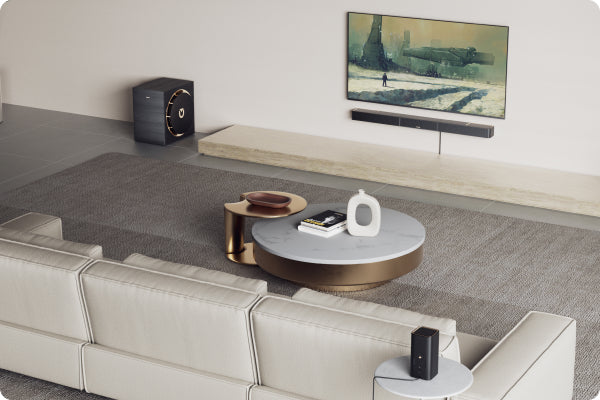
Next, make sure your TV speakers aren't blocked by furniture or decorative items. If possible, position your seating area directly in front of the screen rather than at a sharp angle.
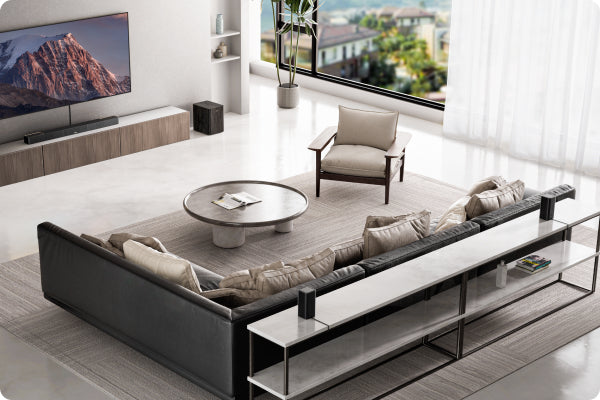
Room acoustics also matter. Soft furnishings such as curtains, rugs, upholstered furniture, or even bookshelves help absorb sound reflections and reduce echo, making speech easier to understand.
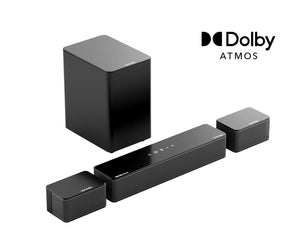
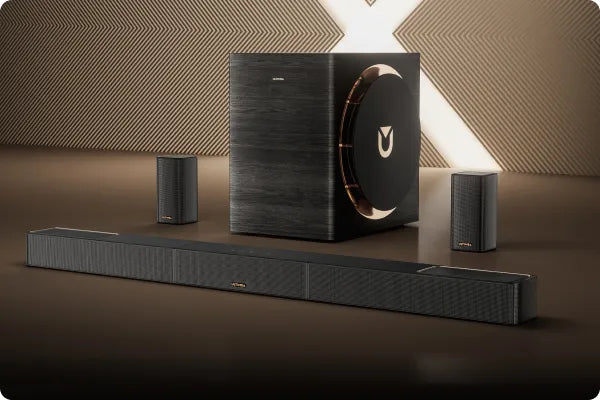
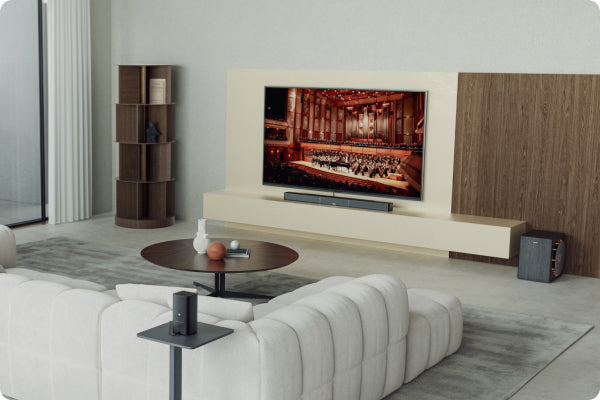
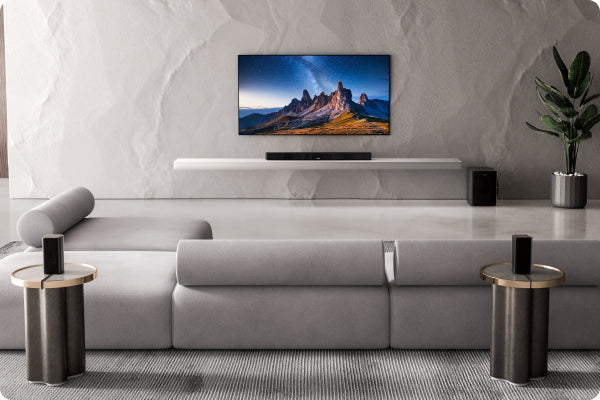
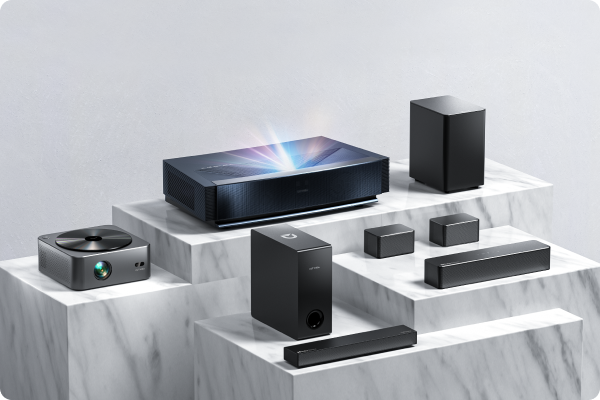
If you've optimized your TV's settings and room layout but still find the sound lacking, connecting an external soundbar is a practical solution. Because it contains larger speaker drivers than those built into most modern TVs, a soundbar can provide clearer dialogue, a wider soundstage, stronger bass, and a more immersive listening experience without requiring a complicated installation.
Understanding What Creates Better TV Audio
Good TV audio isn't simply about being louder—it's about balance.
Dialogue clarity ensures conversations remain easy to understand, even during busy action scenes. Bass adds depth and impact to music and sound effects, while a wider soundstage helps create a more immersive experience by making audio feel like it extends beyond the television itself.
The room you're listening in is equally important. Even excellent speakers can sound disappointing in an echo-filled space, while thoughtful placement and room furnishings can significantly improve the listening experience.
Finally, remember that different content has different audio requirements. Movies often benefit from a wider, cinematic presentation, sports broadcasts emphasize crowd atmosphere and commentary, while news and talk shows primarily rely on clear vocal reproduction. Adjusting your listening setup to match what you're watching can make everyday viewing much more enjoyable.
Final Thoughts
If your TV never sounds as impressive as it looks, you're not alone. Modern television design, room acoustics, and a few common setup mistakes can all limit audio performance.
Fortunately, improving TV sound doesn't always require major changes. Optimizing your TV's built-in audio settings, improving speaker placement, reducing room reflections, and choosing the right listening setup can all make a noticeable difference.
And when your TV's built-in speakers have simply reached their limits, adding an external soundbar is one of the simplest ways to achieve clearer dialogue, fuller sound, and a more immersive home entertainment experience. Even small improvements can transform the way movies, sports, games, and TV shows sound in your living room.

