












Watching live sports at home can be just as thrilling as being in the stadium—if your setup is right. With the right combination of display, sound, seating, and smart features, you can turn your living room into the ultimate sports-watching haven.
Choose the Right Display for Your Sports Setup
TV vs Projector
When it comes to immersive sports viewing, screen size matters. Fast-paced games benefit from larger visuals and smooth motion handling, so look for high refresh rates (120Hz or higher) to reduce motion blur.
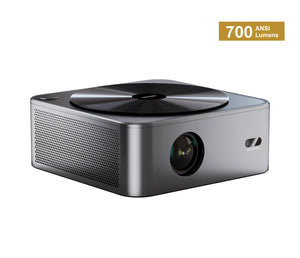
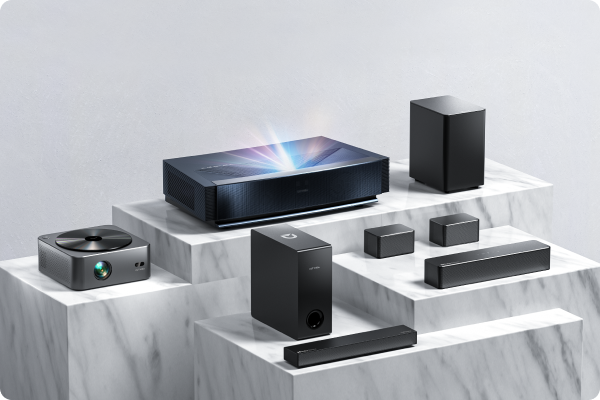
If you want a truly cinematic, larger-than-life experience, a projector can transform your space. The Poseidon E100 Projector, with 1800 lumens and DLP technology, delivers bright, sharp visuals that work well even in rooms with moderate ambient light. For game day gatherings, a 100”+ projected image instantly creates a stadium feel.
Placement and Viewing Angle
Position your screen away from direct light sources to reduce glare. If you’re hosting friends, make sure seating is centered with the display for balanced viewing angles across the room.
Optimize Your Audio for Stadium-Like Sound
Surround Sound Without the Complexity
Audio is what turns a game into an experience. Crowd reactions, referee whistles, commentary detail—these layers create immersion.
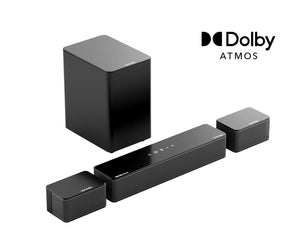
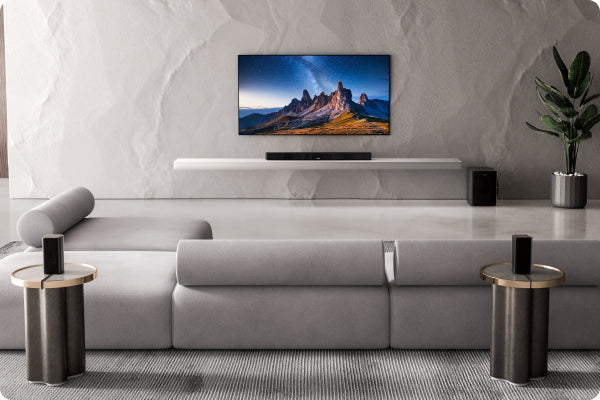
Instead of building a traditional AV receiver setup with multiple wired speakers, many homeowners now prefer a high-performance Dolby Atmos soundbar system. A 7.1.4 configuration paired with a dedicated 10-inch subwoofer delivers powerful overhead effects and deep, physical bass—bringing the roar of the stadium directly into your living room.
The Skywave X70, for example, combines a 7.1.4 Dolby Atmos architecture with a 10” subwoofer, offering room-filling sound without the complexity of a full component system.
Subwoofer Placement Tips
Low frequencies are less directional but highly room-dependent. For stronger impact:
-
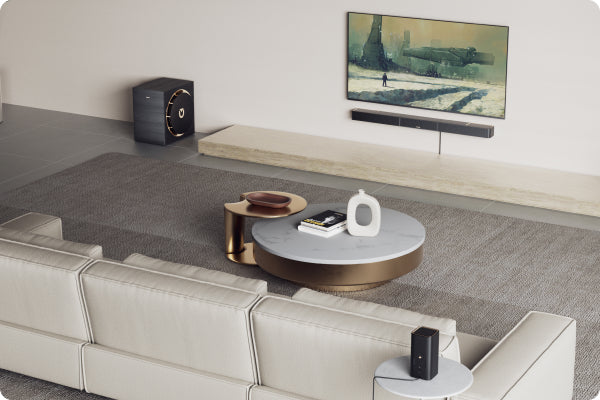
Place the subwoofer near a wall or corner to reinforce bass.
-
Avoid placing it inside closed cabinets.
-
Experiment slightly—small shifts can noticeably change bass response.
A properly positioned subwoofer ensures every touchdown or last-minute goal hits with real physical impact.
Seating and Room Layout for Maximum Comfort
Match Seating to Screen Size
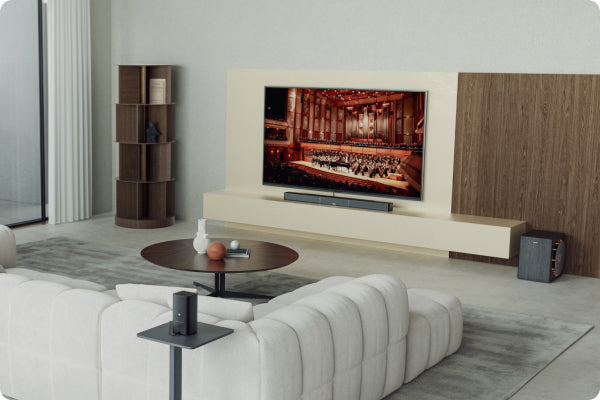
For large TVs or projector setups, maintain appropriate viewing distance to avoid eye strain. A good rule: sit about 1.5 times the screen’s diagonal size away for 4K displays.
Recliners or sectional sofas work well for longer matches, especially during playoffs or championship games.
Control Your Lighting
Install dimmable lighting or blackout curtains if using a projector. Soft bias lighting behind the screen can improve perceived contrast while keeping the room comfortable.
Connectivity and Smart Integration
Streaming and Live Sports Access
Make sure your Wi-Fi is strong enough for stable 4K streaming. Platforms like ESPN+, DAZN, YouTube TV, and regional sports apps make accessing live games easier than ever.
Clean and Future-Ready Connections
Use HDMI eARC for high-quality audio transmission from your TV to your sound system. Modern home theater setups should also support flexible input options to connect gaming consoles, streaming devices, or receivers without hassle.
The key is simplicity—clean cable management and streamlined connectivity make the system feel premium and easy to use.
Add Extra Touches for Game Day
-
Keep snacks and drinks nearby.
-
Add team memorabilia or framed jerseys for personality.
-
Use subtle LED lighting for atmosphere without distracting from the screen.
Final Thoughts
Creating the ultimate sports home theater isn’t about filling your room with complicated gear. It’s about choosing the right display size, optimizing sound performance, and designing a space that feels immersive and comfortable.
A large-format projector paired with a powerful Dolby Atmos sound system can completely transform game day. When visuals and sound work together, every match feels bigger, louder, and more unforgettable—without ever leaving home.


